


01
Patterns
Click or drag the grid squares to choose which steps play, separately for chords and bass.
02
Rates
Each part has its own Rate: half, quarter, eighth, and sixteenth notes, plus dotted quarter and dotted eighth.
03
Note lengths
Length sets how long each synced chord note or bass note lasts.
04
Loop ranges
Repeat a shorter section of either grid. Each Rate remembers its own pattern and loop range.

Independent chord and bass sequencing.
01
Chord Sync only
All played notes follow the Chord Grid.
02
Chord + Bass Sync
Chords follow the Chord Grid. Bass notes follow the Bass Grid.
03
Bass Sync only
Bass follows the Bass Grid. Higher notes and chords play freely, with inversions and voicings.
Play chords over a synced bassline
Illustrations of the three modes, not a working plug‑in. In the plug‑in, click or drag grid squares to choose which steps play.
Different loop lengths. Shared tempo.
Create cross-rhythms with different loop lengths for chords and bass. Each rate remembers its own pattern and loop range.
Illustration: a 3‑step chord loop against a 4‑step bass loop at the same rate. Note length is a separate control from loop range.
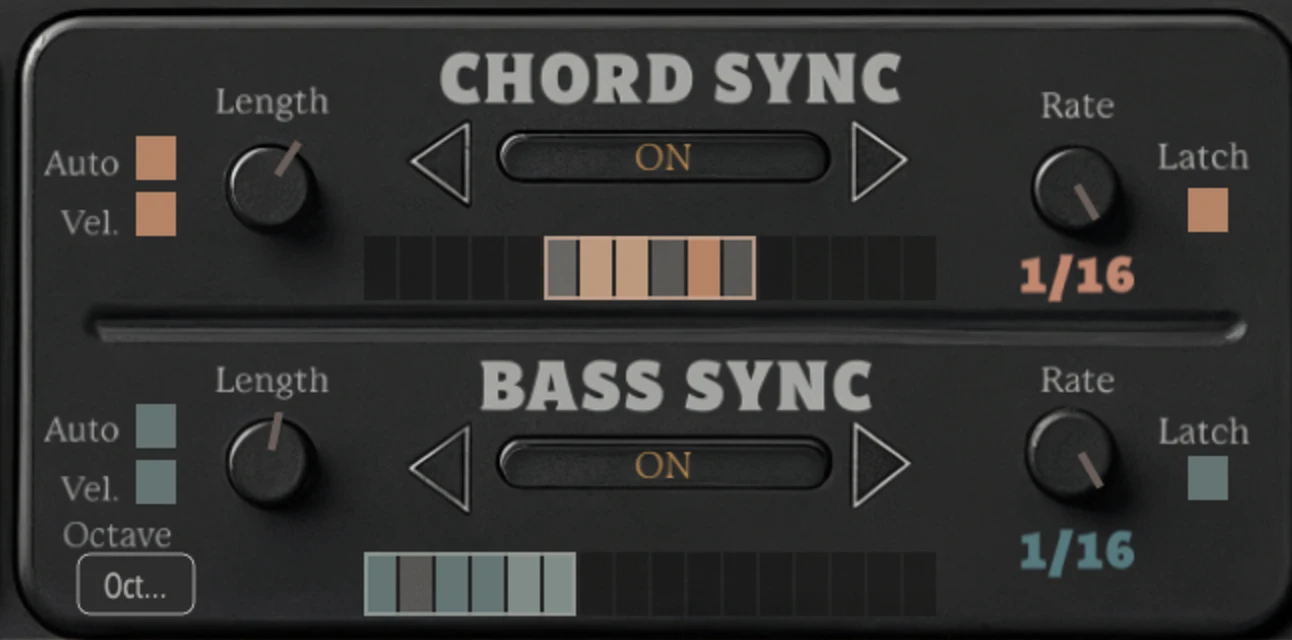
From the plug‑in: a separate loop range on each grid.
Presets
Presets for chords and bass together
Start with a preset built around the interaction between chord and bass patterns. Then adjust the grids, rates, loops, and swing.
Auto Bass Octave
Octave movement for the synced bass
Add repeating octave movement to synced bass notes. The main Bass Octave control still sets the bass register separately.

Setup, controls, and examples
MIDI Mappable Chord Inversions
See the sequencing modes, performance examples, and setup instructions in the manual.
Bass & melody separation
Processed chord
Chord notes
inverted and opened

Bass note
preserved
Melody note
preserved
Chord Chameleon responds to
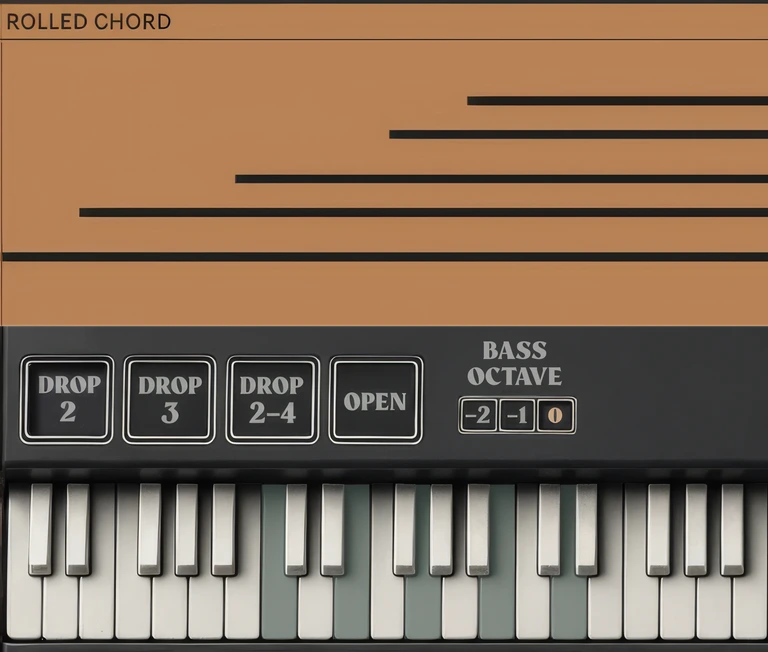
the way you strike, roll,
and hold notes.
Struck together
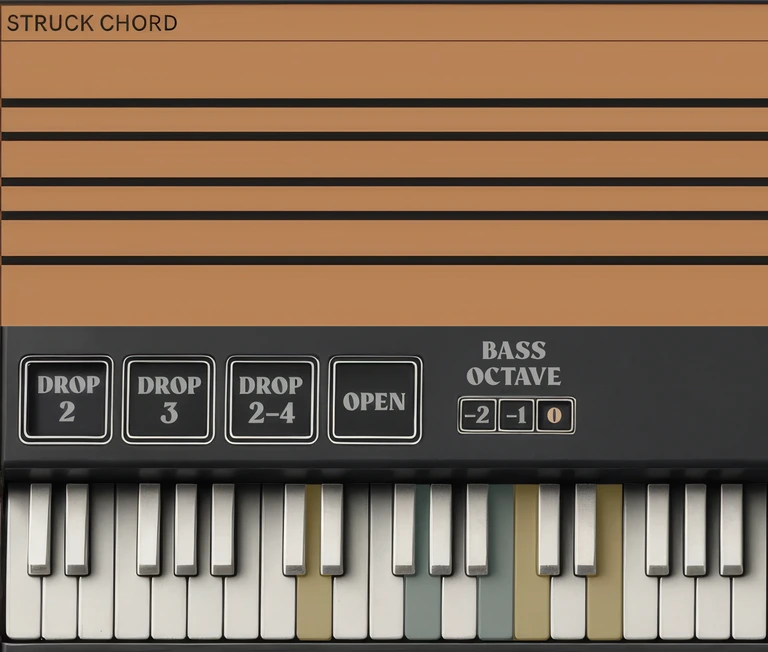
Strike a chord to reshape it.
Strike three or more chord notes together and Chord Chameleon applies your selected inversion and voicing.
Chord processed
Grace notes
Held notes
Hold a chord, and follow-up notes stay with it.
Once a chord is detected, nearby follow-up notes use its current inversion and voicing while at least one note from the original chord remains held.
Different from a rolled chord: a rolled chord is built one note at a time before any chord is detected, so it stays as played.
Real-time chord control
Four voicing presets
Voicings rearrange the spacing and order of notes within a chord. Spread is a separate control.
Drop 2
Lowers the 2nd highest chord note by one octave.
Drop 3
Lowers the 3rd highest chord note by one octave.
Drop 2-4
Lowers the 2nd and 4th highest notes by one octave.
Open
Lowers the highest and 4th highest notes by one octave.
Voicing off
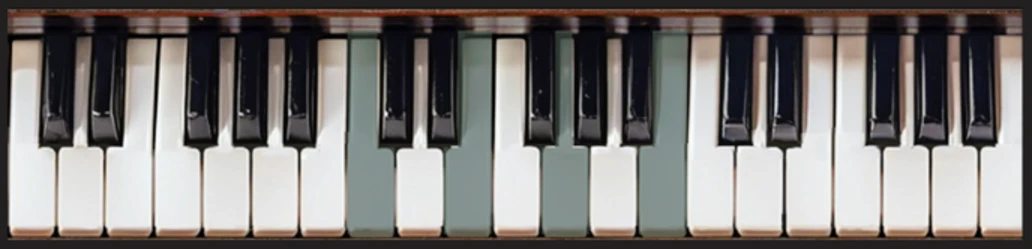
Default
The chord as played: root position, no voicing.
Labelled comparison from the manual: the same chord, struck again after each setting is selected. Notes you are already holding do not move.
01.
Chord inversions
Select the inversion for your next chord without changing the notes you are already holding.
02.
Combined inversions and voicings
Use Drop 2, Drop 3, Drop 2-4, or Open alongside your chosen inversion.
03.
Spread voicings
Tighten or widen the spacing between chord notes.
Play chords over a synced bassline.
Turn on Bass Sync and leave Chord Sync off. The bass follows its pattern while higher notes and chords play freely, with inversions and voicings.
01
Turn Bass Sync on
02
Leave Chord Sync off
03
Hold a bass note and play chords above it
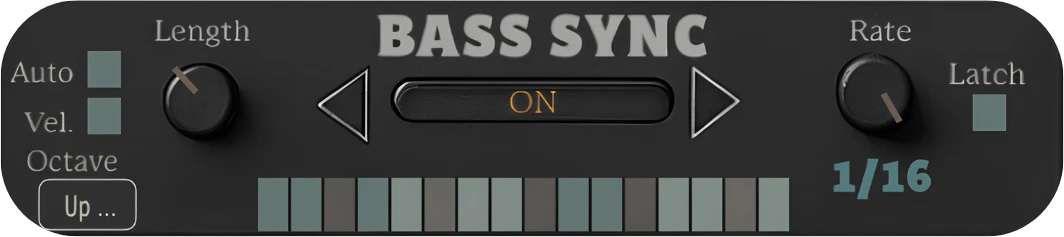
Illustration, not a working plug‑in. Bass Octave and Auto Bass Octave can shape the synced bass further.

Your playing
Play live, or use existing MIDI from the track.

MIDI in
Notes arrive as MIDI, from the keyboard or a clip.

Chord Chameleon
Processes chords and bass notes independently, in real time.

Your instrument
Plays the transformed notes. Chord Chameleon has no built-in sounds.
Presets & automatic control
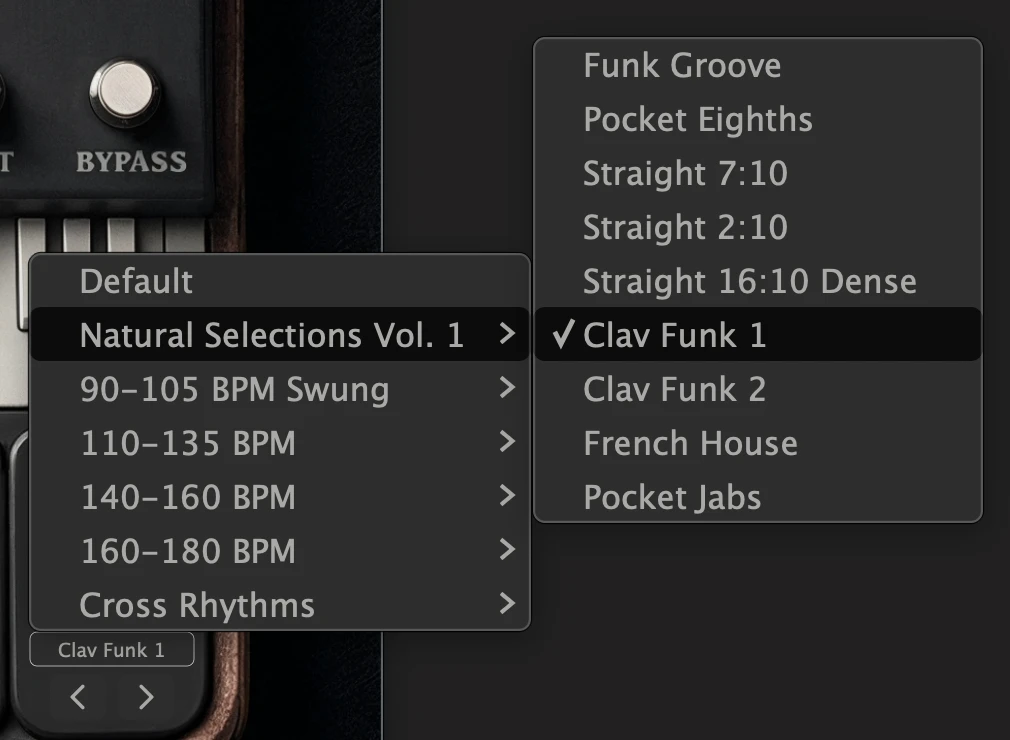
Coordinated Chord Sync and Bass Sync settings
Browse Natural Selections Vol. 1, BPM-based groups, and Cross Rhythms. Play chords with a bass note to hear the full rhythmic result.
Auto Bass Octave
Add repeating octave movement to synced bass notes.
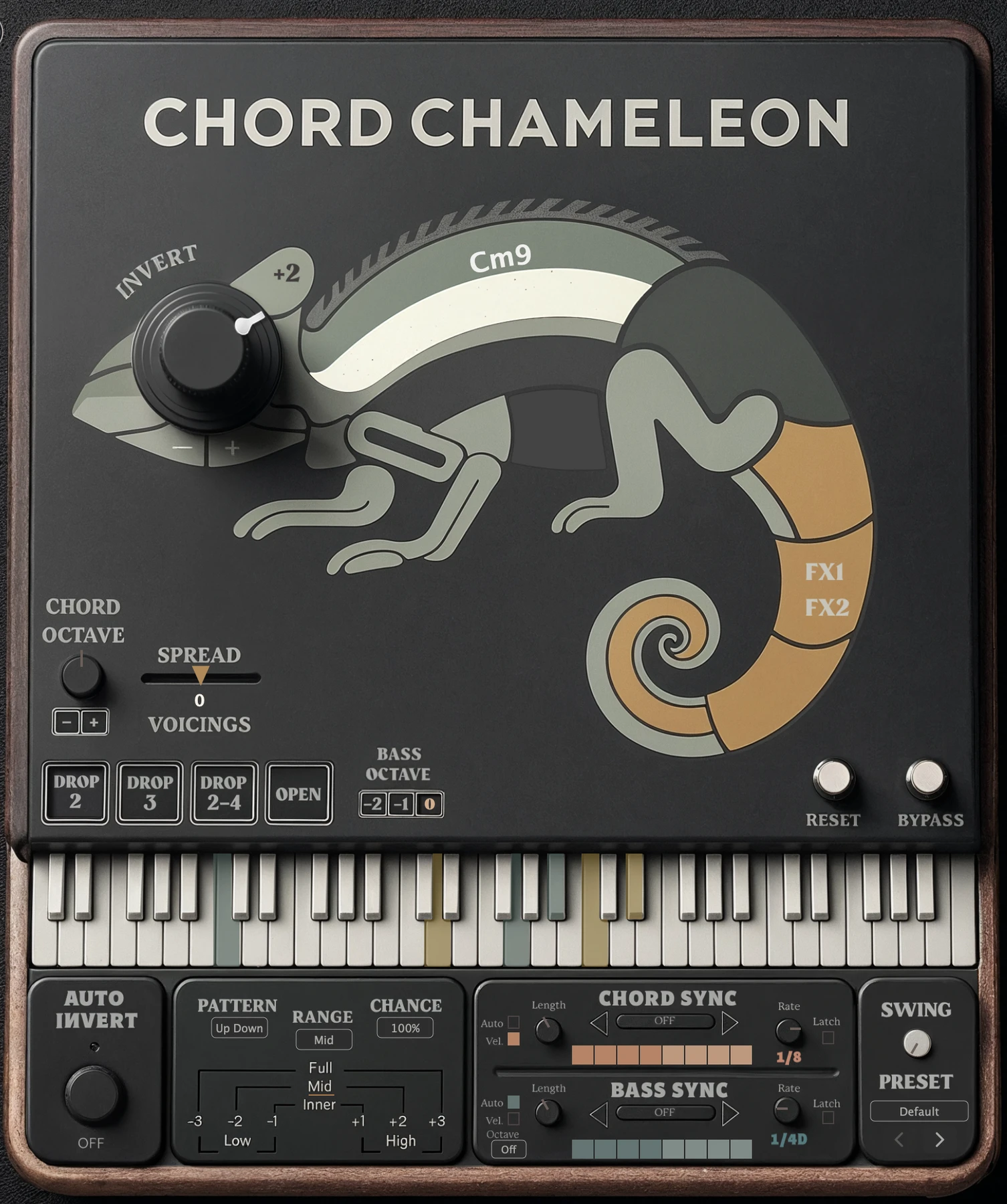
Octave menu: Off · Up Down · Two Step · Octave Arp 1–5
Auto Invert
Cycle through inversion patterns as you play. Choose the range and how often the inversion changes.
The next inversion is prepared when the current chord is released.
MIDI-mappable controls
Map inversions, voicings, octave controls, and sync settings to MIDI hardware through your DAW.
Setup varies by DAW.
Before you start
Practical questions
Setup steps, control descriptions, and performance examples are in the manual.
No. Chord Chameleon processes incoming chords rather than generating them from single-note triggers. The notes can come from your playing or an existing MIDI clip.
Setup, controls, and examples
Explore the chord and bass controls.
See the sequencing modes, performance examples, and setup instructions in the manual.
Chord Octave · Bass Octave
From the plug-in

Chord Octave
Shifts the current chord by octave.
Bass Octave
Adjusts bass notes by octave.
Chord Octave
Knob with − and + buttons.
Bass Octave
Buttons −2, −1 and 0.
Auto Bass Octave
Repeating octave movement for synced bass notes, set from the Octave menu in Bass Sync.
Chord inversions
Hold a chord
The notes you are holding stay exactly as they are.
Select an inversion
Turn the Invert dial. Nothing you are holding moves.
Play the next chord
The new chord arrives with the selected inversion and voicing.

From the manual: the same chord after each inversion setting, with the shifted notes colour-coded.
The bass part
Bass Octave, Bass Sync and the Auto Bass Octave patterns are separate bass controls.