
03

SYNC SEQUENCER
01 / 09
Chord Sync & Bass Sync
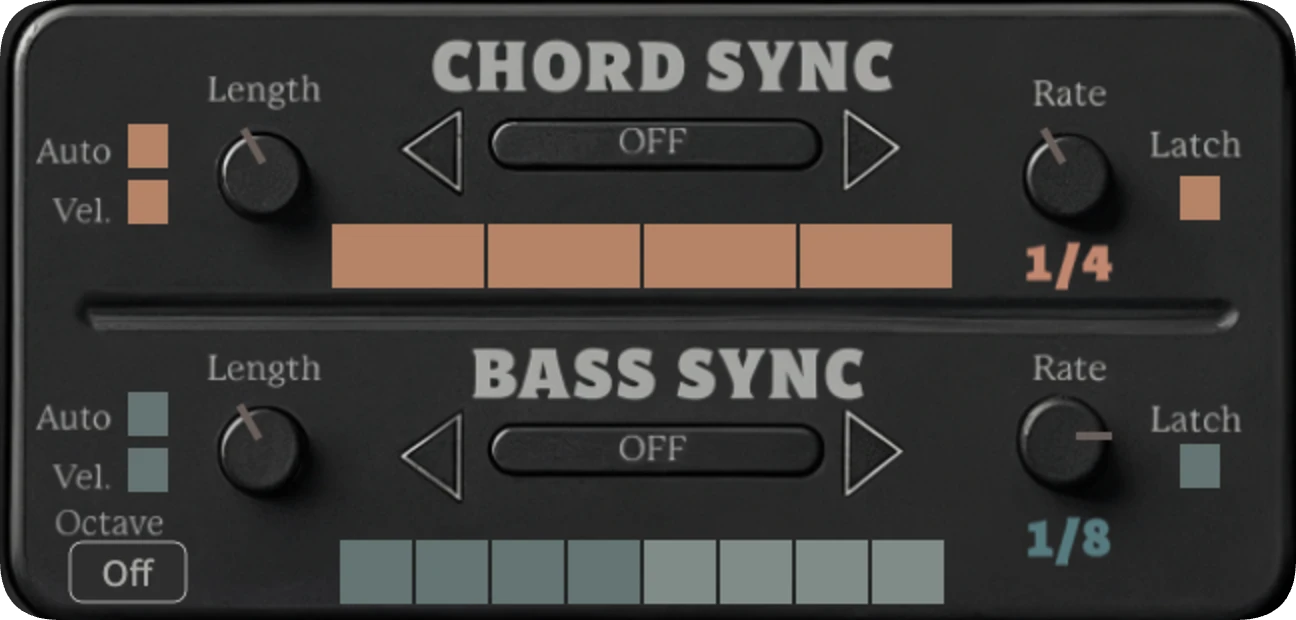
Turn these ON to sequence chord and bass notes independently to tempo-synced patterns.
Chord Sync and Bass Sync can run separately or together. When both are turned ON, chord notes follow the Chord Grid while bass notes follow the Bass Grid.
FROM THE PLUG-IN

All played notes follow the Chord Grid.
Bass follows the Bass Grid. Higher notes and chords play freely with inversions & voicings.
Chord + Bass Sync
Chords follow the Chord Grid.
Bass notes follow the Bass Grid.
Click or drag grid squares to choose which steps play.
Each Rate remembers its own grid pattern.
SYNC SEQUENCER
02 / 09
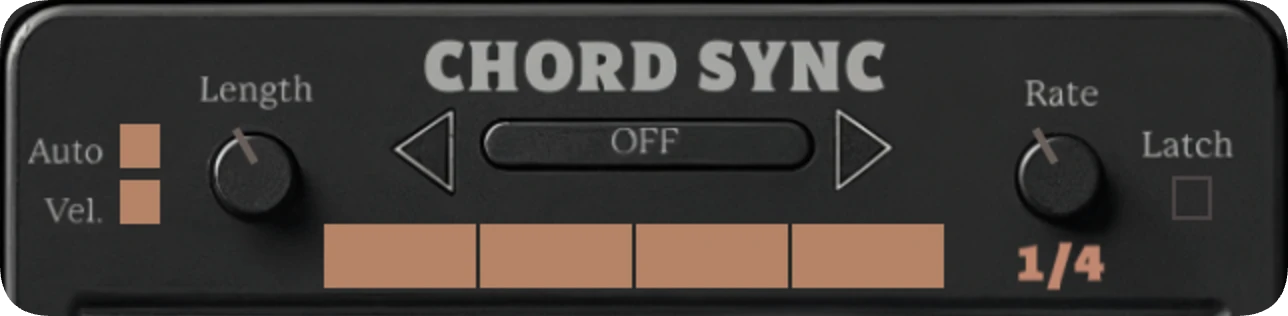
Chord Sync Controls

SYNC SEQUENCER
03 / 09
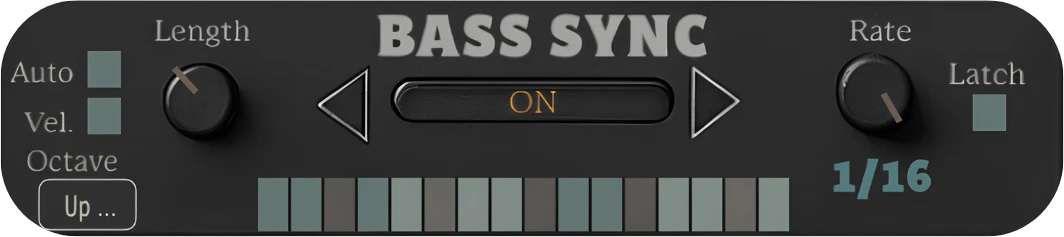
Bass Sync Controls

SYNC SEQUENCER
04 / 09
Auto Bass Octave
Use the Octave menu in Bass Sync to add repeating octave movement to synced bass notes.
FROM THE PLUG-IN

Octave menu
Off - No automatic octave changes.
Up Down - Alternates between two octave positions.
Two Step - Plays each octave position twice before switching.
Octave Arp 1–5 - Five different repeating octave patterns.
The main Bass Octave control sets the bass register separately.
SYNC SEQUENCER
05 / 09
Chord & Bass Grid Loops
Use the grids to edit step patterns and repeat a shorter section of the pattern.
Chord and Bass each store a separate grid pattern and loop range for every Rate.
FROM THE PLUG-IN
Chord Grid
Loop Range
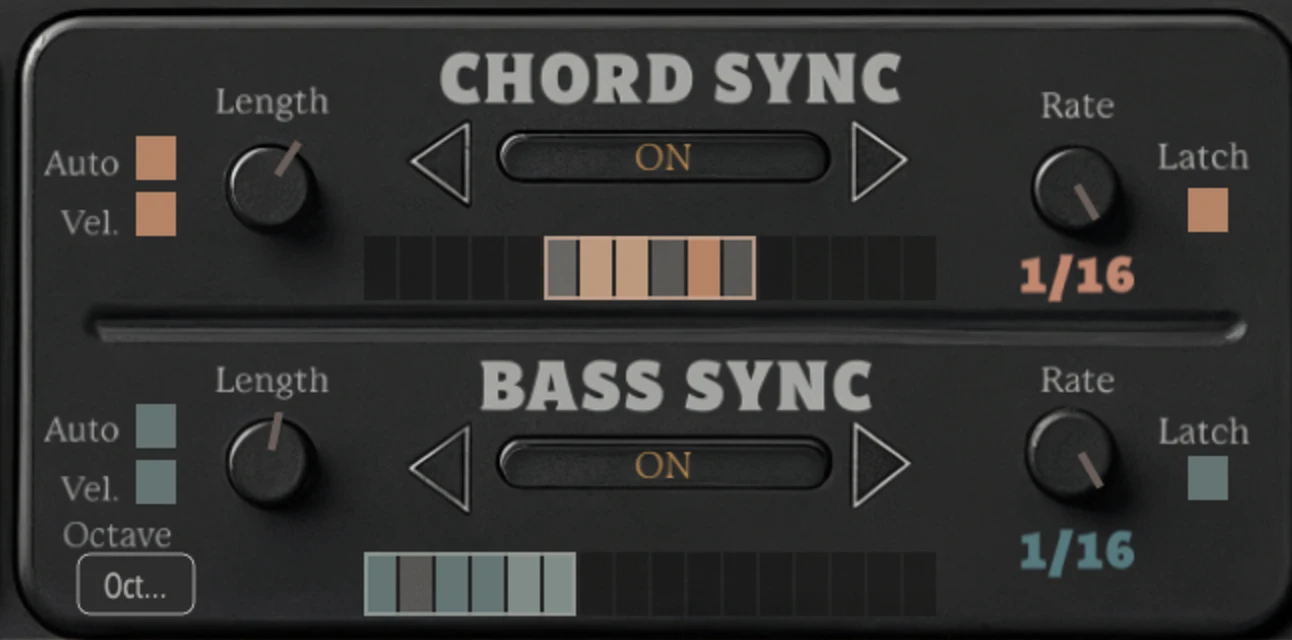
Bass Grid
DIAGRAM
A 3‑step Chord Grid loop against a 4‑step Bass Grid loop at the same Rate.
Edit Steps
Click or drag across the grid to turn steps on or off.
Set a Loop
Right-click and drag across the grid to choose the repeating range. Double-right-click the grid to restore the full grid.
As an alternative, especially when using a trackpad, hold Shift and drag to set the loop range. Shift-double-click to restore the full grid.
Independent Chord & Bass Loops
Chord and Bass loops work separately. Use different loop lengths to create cross-rhythms and polymetric patterns while both stay synced to tempo.
Per-Rate Memory
Each Rate remembers its own grid pattern and loop range.
Saved Steps
Changing the loop range does not erase steps outside the loop.
SYNC SEQUENCER
06 / 09
Chord Sync & Bass Sync Tips
Use these tips to fine-tune how Chord Sync and Bass Sync respond while playing live or remixing MIDI clips.
Swing
Applies swing to synced chord and bass patterns when enabled.
Length Tips
Short Length values can cut off instruments with slower attacks. At 0%, synced notes intentionally do not sound.
Rate Settings
Chord Sync and Bass Sync each use the same Rate settings:
1/2 = Half Note
1/4D = Dotted Quarter Note
1/4 = Quarter Note
1/8D = Dotted Eighth Note
1/8 = Eighth Note
1/16 = Sixteenth Note
Computer keyboard tip: Click either Rate dial, then use the Left and Right arrow keys to step through Rate settings.
SYNC SEQUENCER
07–08 / 09
Fluid Bass Movement
When Bass Sync is ON, you can pivot to a new bass note without fully releasing the previous bass note.
Bass Sync can follow a newly played bass note while the previous bass note is still held, keeping the bass rhythm locked to tempo without a full release between notes.
FROM THE PLUG-IN

Latch Tips

Latch is useful when remixing MIDI clips with short notes. When Latch is ON, short notes can continue through the selected grid pattern instead of stopping as soon as the MIDI note ends.
For example, Bass Latch can be used on existing MIDI clips to generate new synced bass-line variations.
SYNC SEQUENCER
09 / 09
Chord Sync & Bass Sync Presets
Presets load coordinated Chord Sync and Bass Sync settings. They are designed around the interaction between the chord and bass parts, so play chords with a bass note to hear the full rhythmic result.
FROM THE PLUG-IN
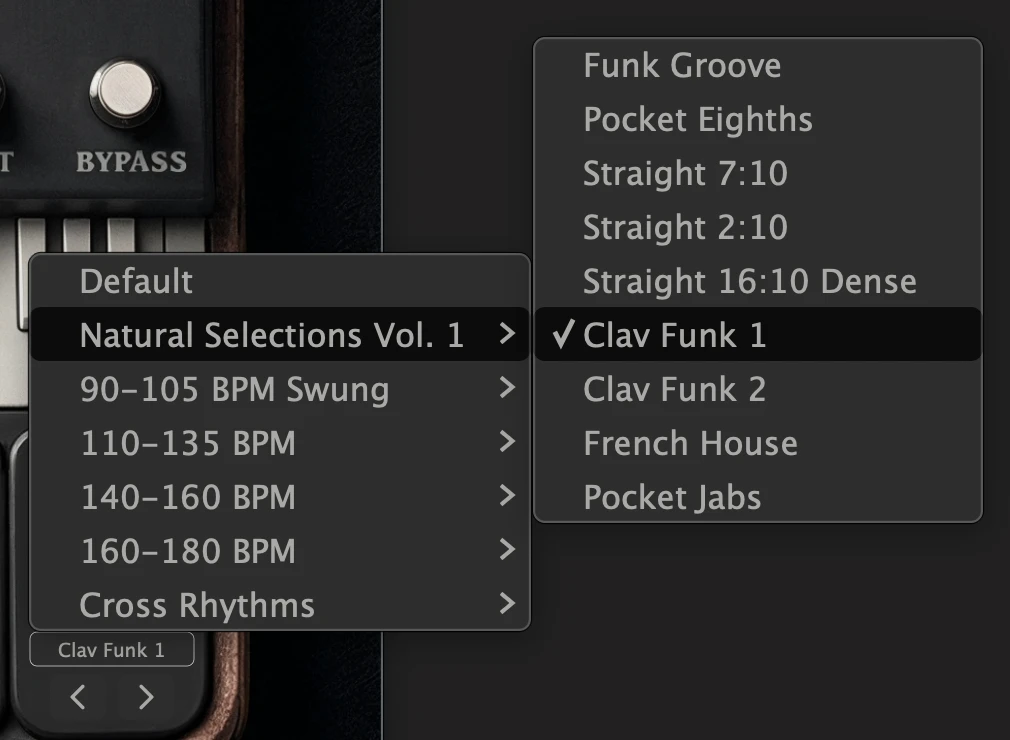
Choose a Preset
Open the Preset menu to browse Natural Selections Vol. 1, BPM-based groups, and Cross Rhythms.
Computer keyboard tip: Click Previous or Next, then use the Left and Right arrow keys to keep stepping through presets while the menu is closed.
Hear Both Parts Together
Many presets differ mainly in how the chord and bass patterns interact. If you only play the chord part, some presets may sound similar.
Swing Behavior
Presets in the 90–105 BPM Swung group apply swung timing.
Some Natural Selections also set Swing explicitly to match their intended feel. Presets that do not specify their own Swing setting preserve the current Swing value.
Edit After Loading
After loading a preset, you can adjust the grids, loop ranges, Rates, Length, Swing, and other SYNC controls normally. Select the same preset again to reapply its original settings.