Skip to manual content

04

SECTION 04

Anatomy

Underlying Details & Performance Tips

04

SECTION 04

Anatomy

Underlying Details & Performance Tips

04

SECTION 04

Anatomy

Underlying Details & Performance Tips

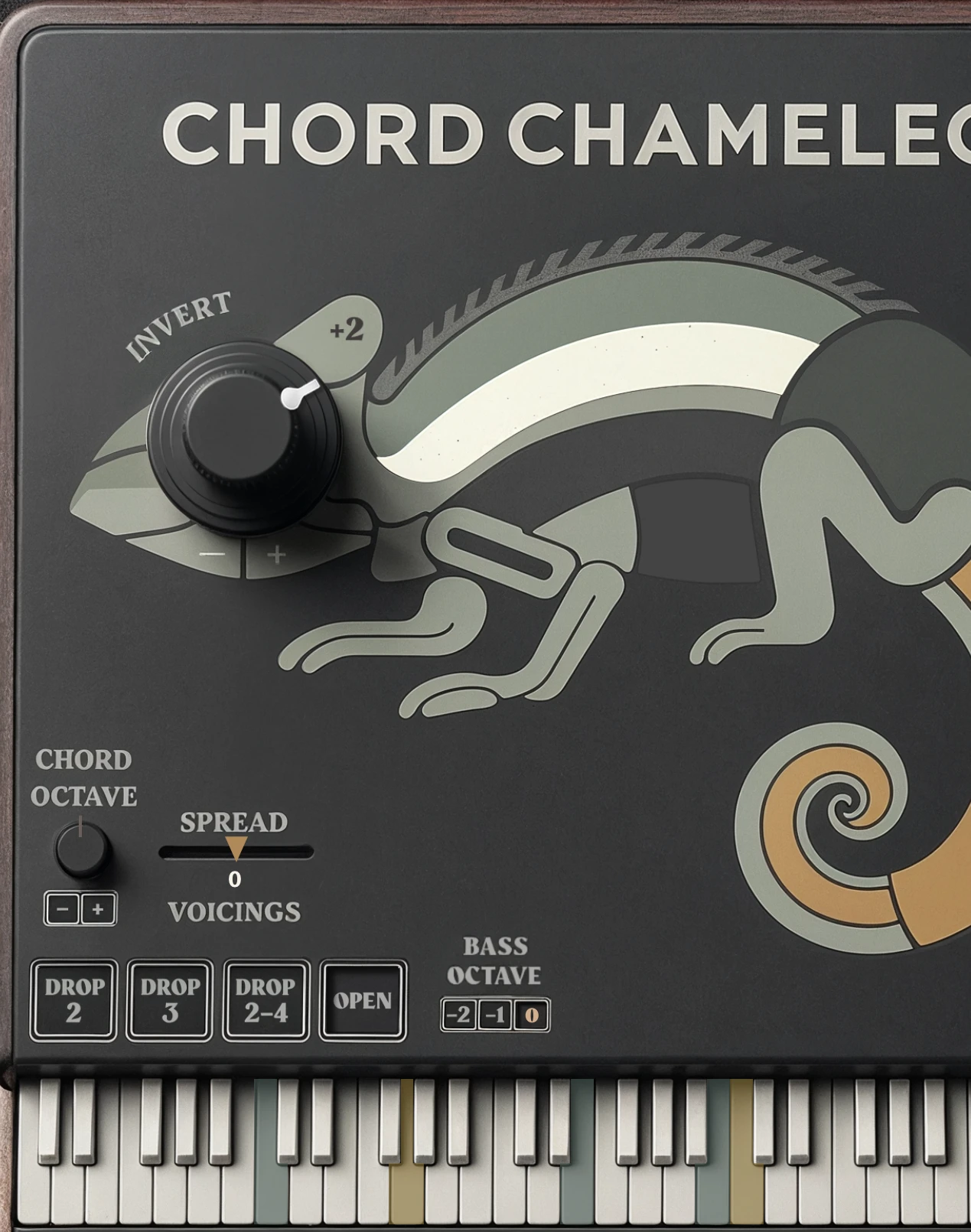
A close crop of the plug-in in its Dark Theme: the Invert knob set as the chameleon’s eye, with Chord Octave, Spread, Voicings and the Drop and OPEN buttons below

BASS, CHORD & MELODY

ANATOMY

01 / 03

Bass & Melody Separation

Chord Chameleon processes chords while leaving bass and melody notes outside the chord unchanged.

This lets you reshape chords while preserving basslines, melodies, and slash chord roots.
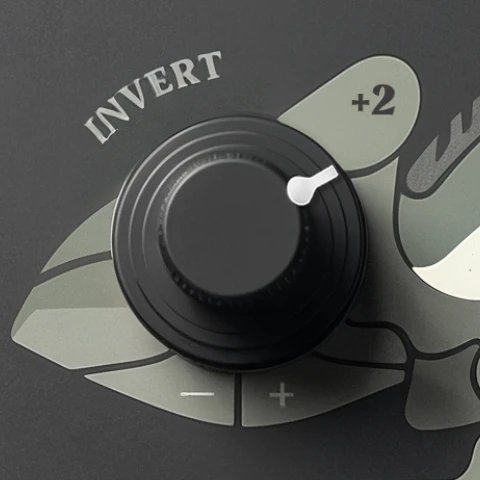
The Invert knob in Dark Theme, set to plus two

Invert +2

inversion

+

The OPEN voicing button in Dark Theme, engaged

Open

voicing

ORIGINAL CHORD INPUT

UNPROCESSED

The plug-in keyboard in Dark Theme with the played chord highlighted: a low bass note, four chord notes and a high melody note

The chord as played, with its bass note and its melody note.

PROCESSED CHORD

INVERT +2 · OPEN

CHORD NOTES

inverted and opened

The same chord after an inversion and Open voicing: the lowest and highest highlighted notes are unchanged, while the chord notes between them have spread apart

BASS NOTE

preserved

MELODY NOTE

preserved

The Invert knob in Dark Theme, set to plus two

Invert +2

inversion

+

The OPEN voicing button in Dark Theme, engaged

Open

voicing

ORIGINAL CHORD INPUT

UNPROCESSED

The plug-in keyboard in Dark Theme with the played chord highlighted: a low bass note, four chord notes and a high melody note

The chord as played, with its bass note and its melody note.

PROCESSED CHORD

INVERT +2 · OPEN

CHORD NOTES

inverted and opened

The same chord after an inversion and Open voicing: the lowest and highest highlighted notes are unchanged, while the chord notes between them have spread apart

BASS NOTE

preserved

MELODY NOTE

preserved

The Invert knob in Dark Theme, set to plus two

Invert +2

inversion

+

The OPEN voicing button in Dark Theme, engaged

Open

voicing

ORIGINAL CHORD INPUT

UNPROCESSED

The plug-in keyboard in Dark Theme with the played chord highlighted: a low bass note, four chord notes and a high melody note

The chord as played, with its bass note and its melody note.

PROCESSED CHORD

INVERT +2 · OPEN

CHORD NOTES

inverted and opened

The same chord after an inversion and Open voicing: the lowest and highest highlighted notes are unchanged, while the chord notes between them have spread apart

BASS NOTE

preserved

MELODY NOTE

preserved

Inversions and voicings apply while the bass and melody notes remain intact.

ANATOMY

HELD NOTES

02–03 / 03

Grace Notes

After Chord Chameleon detects a chord, nearby follow-up notes are processed with the current inversion and voicing while any note from that chord is still held.

This keeps grace notes, passing notes, and small chord movements connected to the transformed chord until all notes from that chord are released.

See Playing Chords in the Introduction.

Sustain Pedal

Chord Chameleon passes sustain pedal input to your instrument, so transformed chords can sustain naturally while the pedal is held.

New notes played during sustain are still processed normally. Releasing the pedal releases the sustained notes in your instrument.

04

ANATOMY

CHORD CHAMELEON

04

ANATOMY

CHORD CHAMELEON

04

ANATOMY

CHORD CHAMELEON

CHORD CHAMELEON

CHORD CHAMELEON

CHORD CHAMELEON